Everything in one set of books.
Each feature below is in the app today. Anything that needs your own Stripe, GoCardless or bank connection says so.
Invoicing and estimates
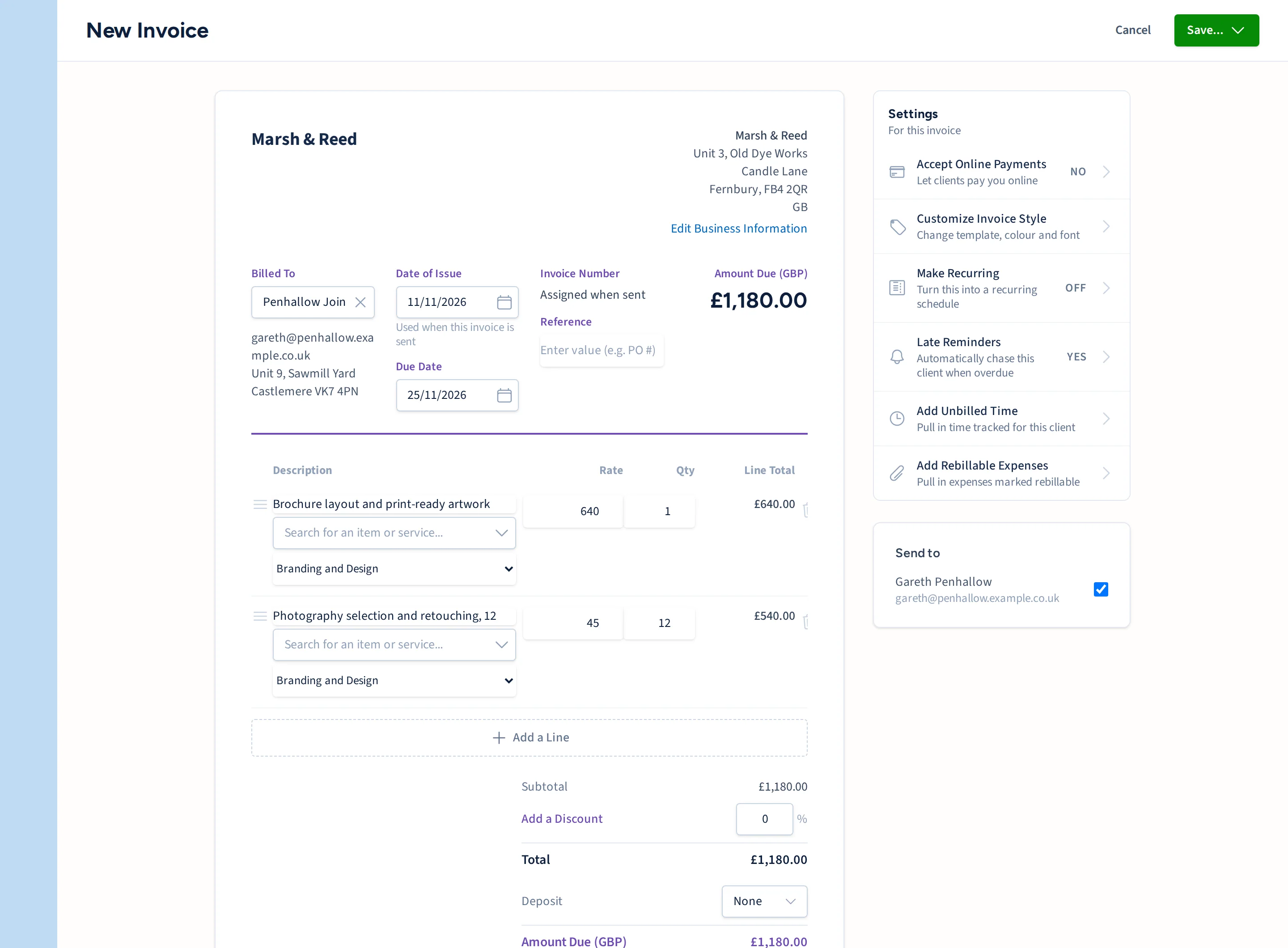
Raise an invoice from the work you have done, or let FrogBooks raise it on a schedule.
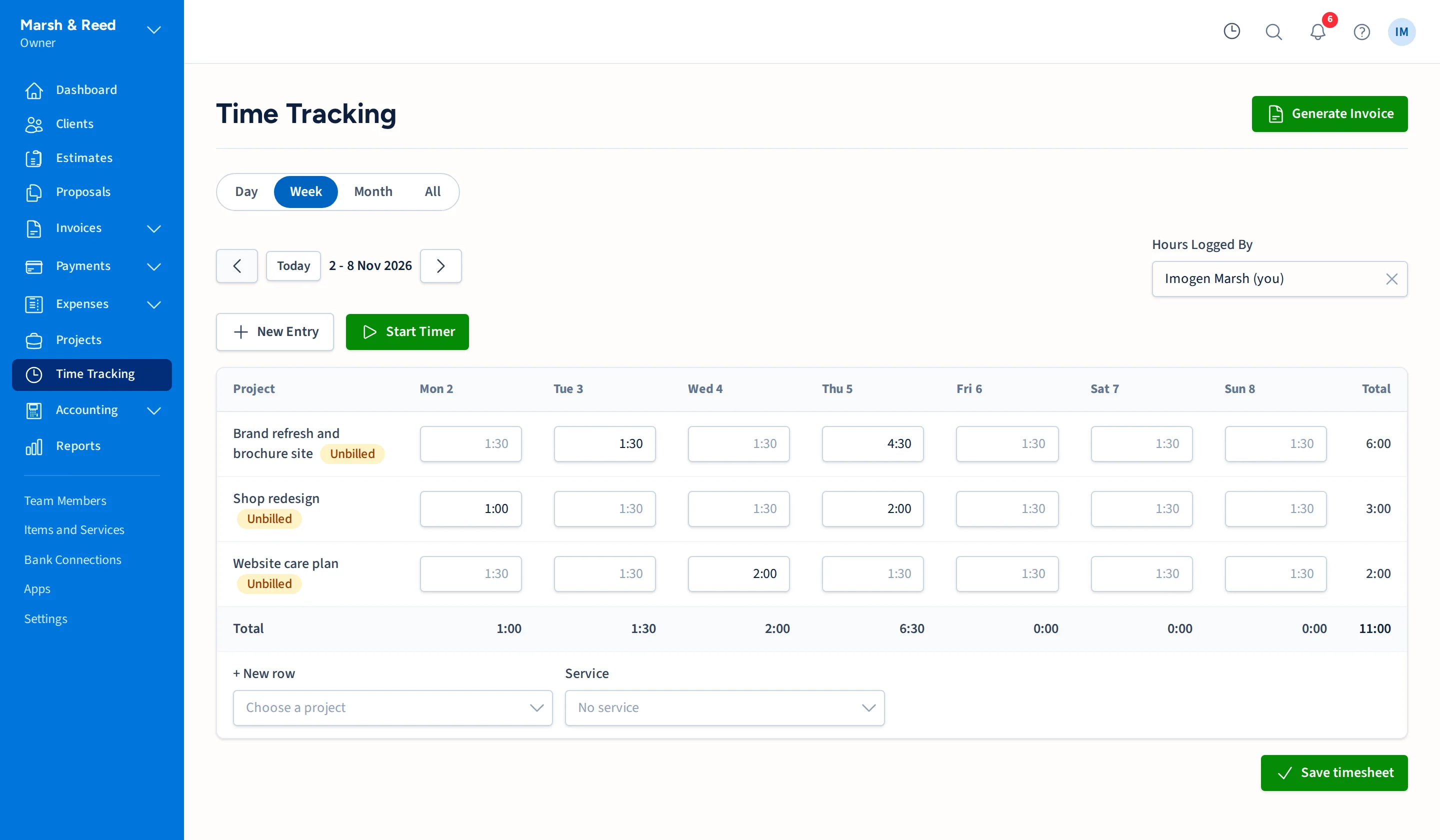
- Invoices built from your clients, services and unbilled time
- Recurring invoices and retainers
- Estimates that turn into invoices, and proposals clients can accept or decline
- Credit notes you can apply to an invoice or refund
- Invoices emailed with the PDF attached and a link to view them online
- Reminders for late invoices, with rules you set
Getting paid
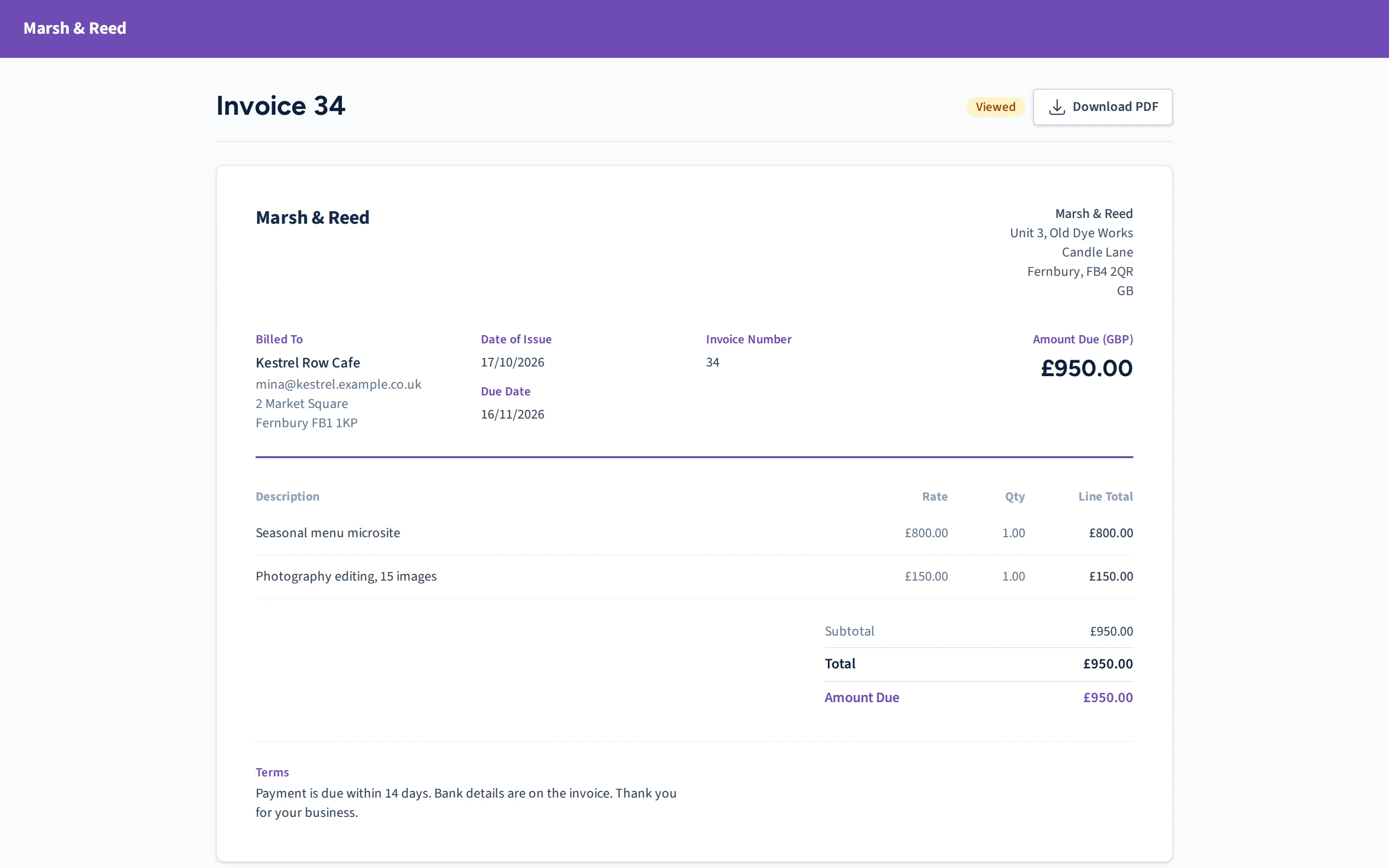
Clients pay from the invoice itself. You connect your own payment accounts, so the money goes straight to you.
- Card payments through your own Stripe account
- Direct Debit through your own GoCardless account
- Bank transfers and cheques recorded by hand against the invoice
- A client page where each client sees their invoices and estimates and downloads a statement
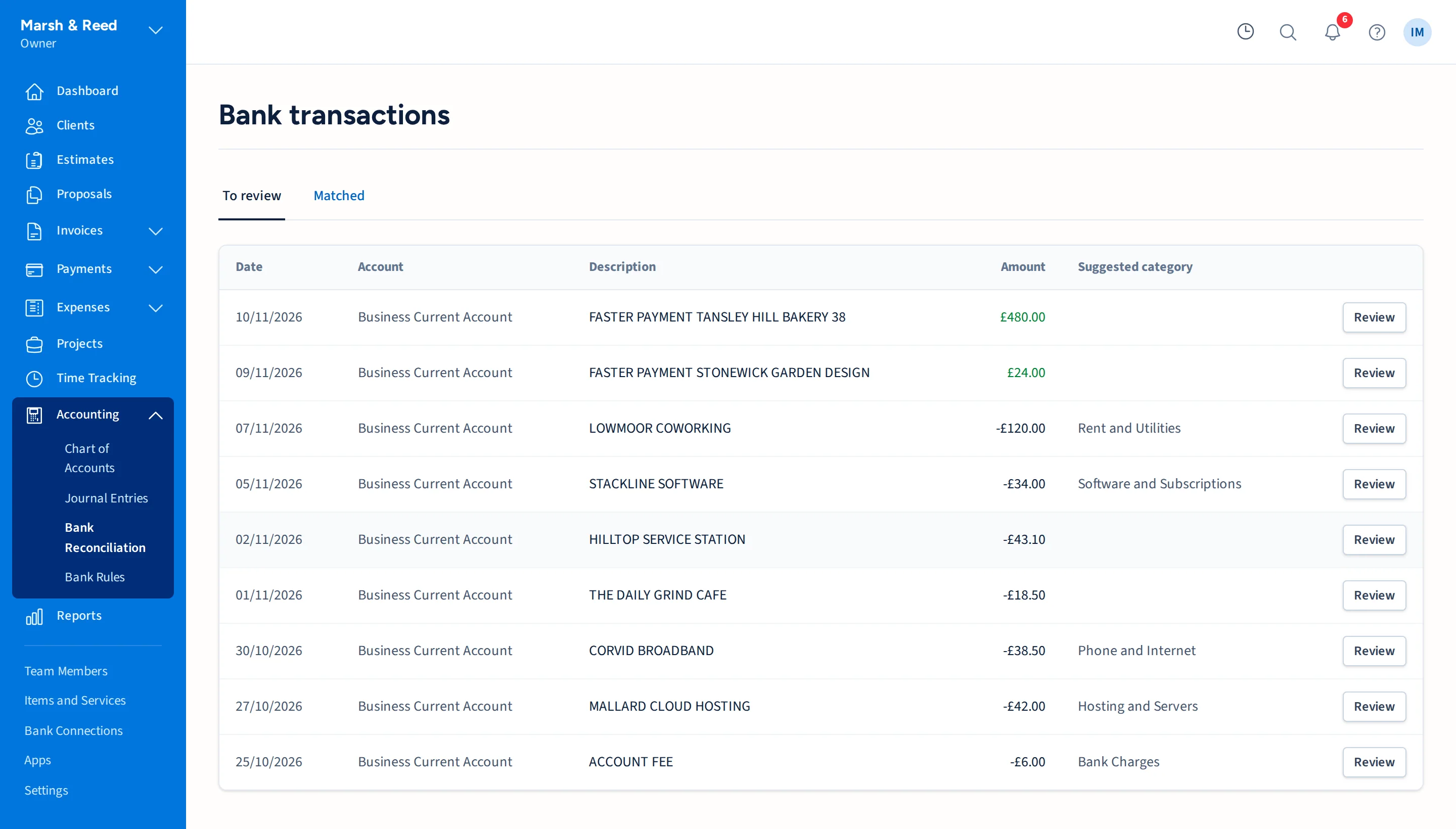
Bank matching
Every transaction ends up matched to something, or you know it is still waiting.
- Transactions from your bank through your own GoCardless account, or from an imported CSV statement
- Suggested matches to invoice payments and expenses, which you confirm
- Rules that file regular transactions for you
- Split a transaction, and reconcile against your statement
Reports and VAT
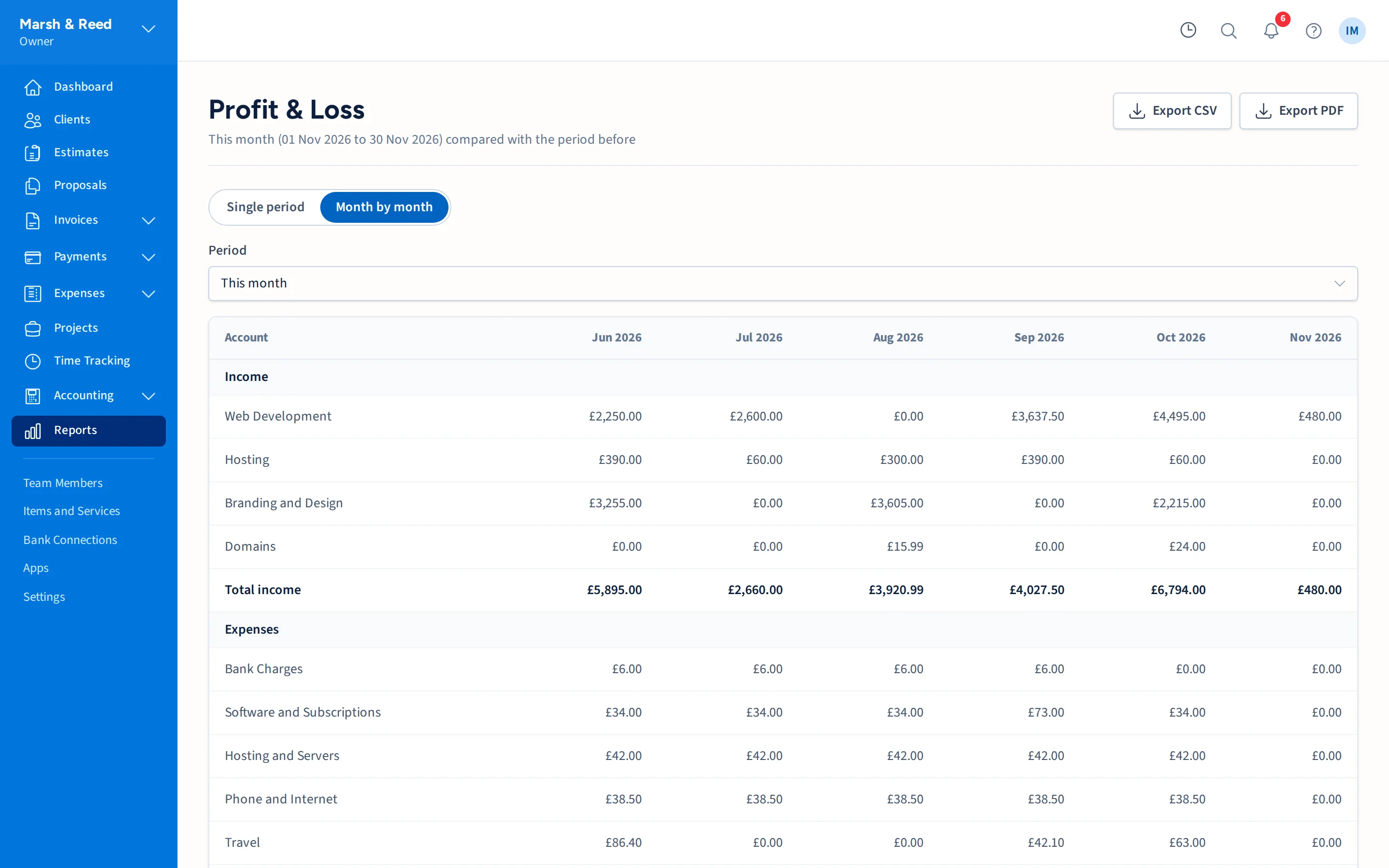
The numbers your accountant asks for, ready when they ask.
- Profit and loss, balance sheet, trial balance, general ledger and cash flow
- Aged receivables, revenue by client and revenue by item
- A VAT summary showing output VAT, input VAT and the net due for a period. It is not a Making Tax Digital submission
- CSV and PDF export on the reports, and a year-end export for your accountant
Proper books underneath
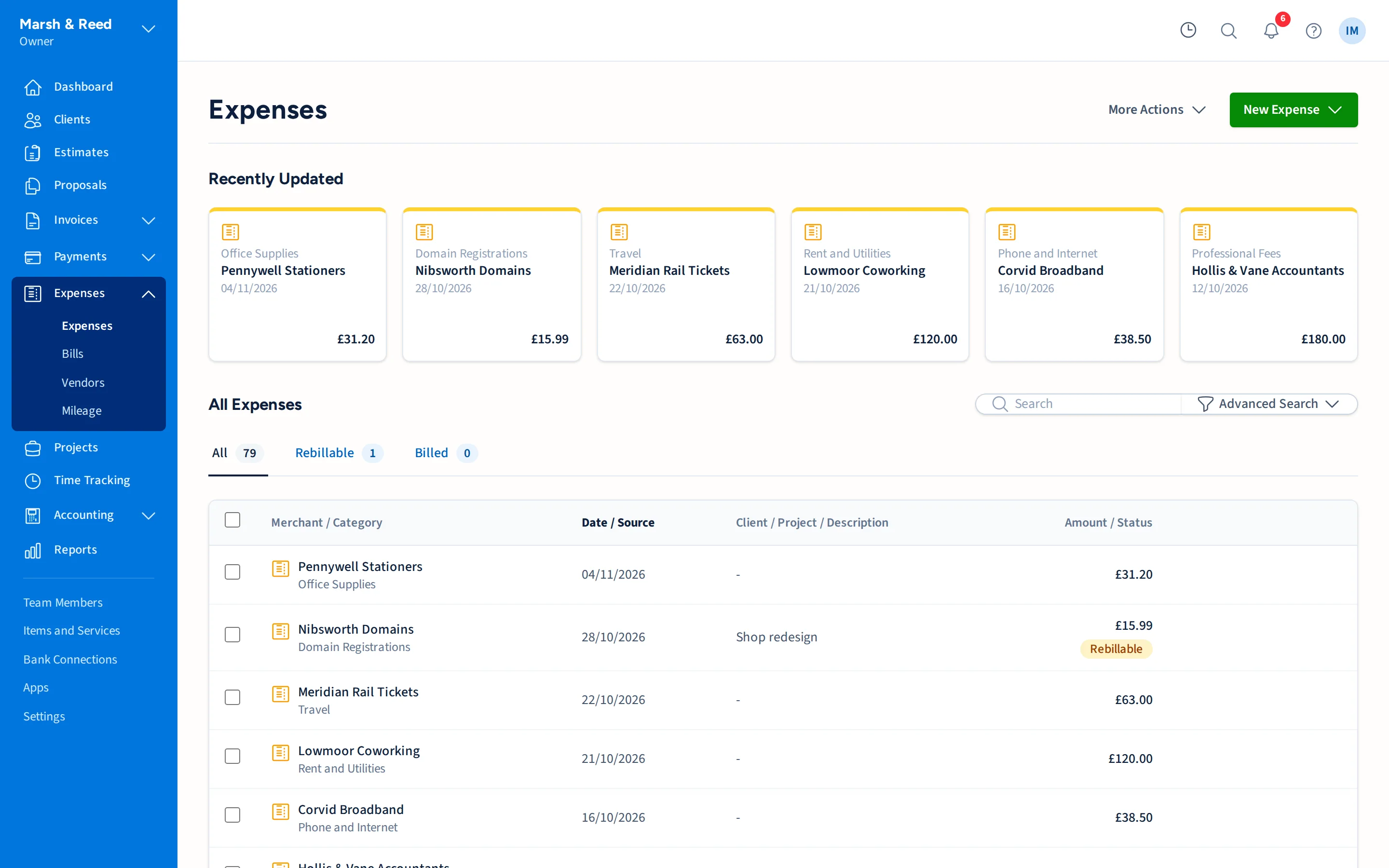
Every invoice, payment and expense posts to a double-entry ledger, so the books balance without you checking.
- A chart of accounts and manual journal entries when you need them
- Owner, staff and accountant roles, with accountants limited to reading
- Two-factor sign-in for every user
- A record of who changed what
Coming from FreshBooks?
Bring your clients, invoices, projects, time and expenses across from FreshBooks.
FrogBooks is invite only.
Tell us about your business and we will be in touch.